
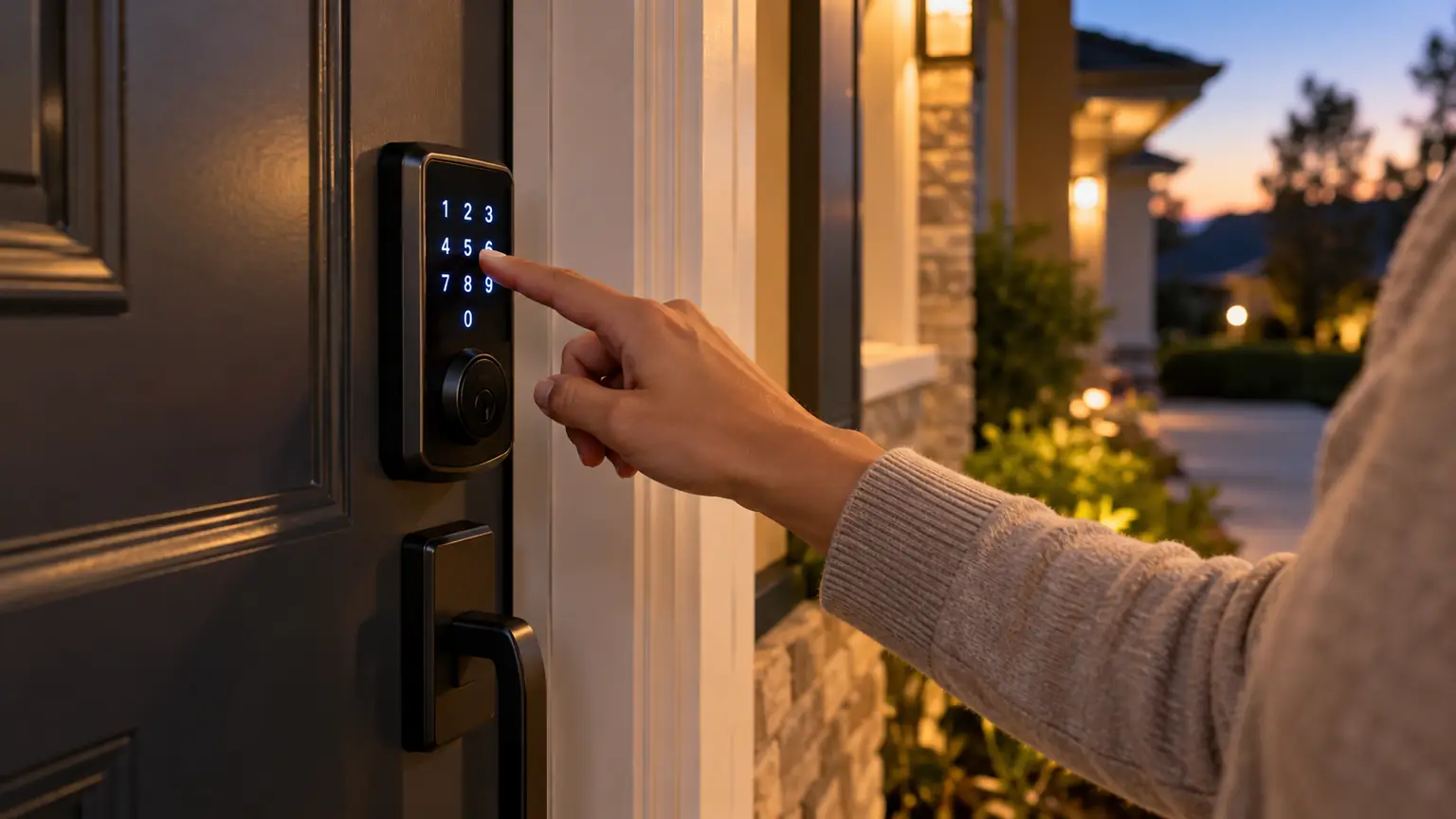
Your internet goes down just as someone arrives at the front door. Or the lights go out while you are away, and you wonder whether your family can still get inside.
A smart lock should make entry easier, but these moments can leave homeowners unsure which features still work. Does the keypad need Wi-Fi? Will the door unlock by itself? Can you use your phone if the router has no power?
Many residential smart locks continue providing local entry during an internet or household power outage because the lock runs on its own batteries. Remote controls and connected features may be unavailable.
The important distinction is between losing internet service, losing electricity to your home, and losing power inside the lock itself. Here is how to prepare for each situation.
The Short Answer: Many Smart Locks Work Without Wi-Fi
If you are asking, “Do smart locks work without WiFi?”, the answer is often yes for local functions, depending on the model.
A stored keypad code, physical key, or supported local phone connection may still provide access. However, an unlock command sent from another location may depend on your home network, a powered hub, and an online service.
Think about the lock as having several ways to communicate. Losing one connection does not necessarily stop every entry method.
For example, Schlage states that its battery-powered Arrive lock keeps codes and schedules active during a power or Wi-Fi outage and supports nearby app access through Bluetooth. That describes that particular product; check your own model’s requirements.
What Goes Down Determines What Stops Working
An app saying “offline” does not automatically mean the lock is broken. It may mean the app cannot reach it through the expected connection.
| What failed? | What it means for your lock |
|---|---|
| Internet service | Connected remote features may stop, while supported local entry can remain available |
| Router or home hub | Features using that equipment may stop even if the lock has working batteries |
| Household electricity | A battery-powered lock may keep operating, but network equipment can lose power |
| Lock batteries | Electronic entry may stop; use the model’s documented backup method |
This distinction helps you choose the next step. A router problem needs a different response from a dead battery or a bolt that will not move.
When the Lights Go Out, the Lock May Still Have Power
Many residential smart deadbolts are battery-powered rather than connected directly to household electricity. A neighborhood blackout therefore does not automatically remove power from the lock.
If the batteries are healthy, supported local entry can continue. Meanwhile, your router or hub may have switched off, taking remote functions with it.
That is why someone standing at the door might still enter a code while you cannot check the lock from your phone across town.
Check whether your specific lock uses replaceable batteries, a rechargeable pack, or another power arrangement. Also distinguish a residential deadbolt from a building access system. Electrically powered commercial hardware can behave differently and needs its own outage plan.
Will the Door Unlock Automatically During a Blackout?
For a typical battery-powered residential deadbolt, a household power outage does not itself command the bolt to retract. A locked door should not become unlocked simply because the router switches off.
However, that does not tell you what happens with every electronic locking system. Building entrances, powered strikes, and magnetic locks may have different operating requirements.
If you live in a managed property, ask who is responsible for the shared entrance and how residents enter during an outage. Your apartment door and the building’s lobby door may use separate systems.
For your own front door, confirm the manufacturer’s stated power-loss behavior and keep the instructions accessible.
Which Features Are Most Likely to Be Affected?
Start with the functions that communicate beyond the door.
During a network outage, you may lose:
- Unlocking or locking from another location.
- Live status updates in an app.
- Immediate activity notifications.
- Cloud-dependent voice commands or routines.
- The ability to send new access settings through a remote connection.
Local features need a separate check. A code already stored in the lock may work even when a newly created code has not reached it.
Never assume a guest has access just because you completed a step in an app. Confirm the credential was successfully delivered and tested before relying on it.
Can Your Phone Still Open the Door?
Sometimes. The answer depends on how the phone normally communicates with the lock.
Nearby Bluetooth access or a supported digital credential can operate differently from a command sent through the internet. Some systems also depend on hubs or particular setup conditions.
Ask the manufacturer which entry method works locally and whether the required credential must already be installed. An app that normally uses remote access may not automatically switch to another method.
This is worth checking before purchase. If dependable entry without internet is important to you, describe that requirement when discussing smart lock installation with Lock & Key Pros.
Consider a familiar situation: you are at work, the home internet fails, and a relative is due to arrive. If their entry depends entirely on you sending a remote unlock command, the visit may stall at the doorstep. An appropriate access method arranged and tested beforehand can avoid that problem.
The same planning helps with cleaners, caregivers, and other expected visitors. Confirm their approved entry method before you leave, explain what to do if it fails, and make sure temporary access is removed when it is no longer needed.
You do not have to give everyone permanent access. You need a clear arrangement that matches the visit and does not depend on a connection you cannot guarantee will be available at that moment.
Explore Smart Lock Installation
A Dead Lock Battery Is a Different Problem
A battery-powered lock can tolerate a household outage and still fail later because its own batteries run out.
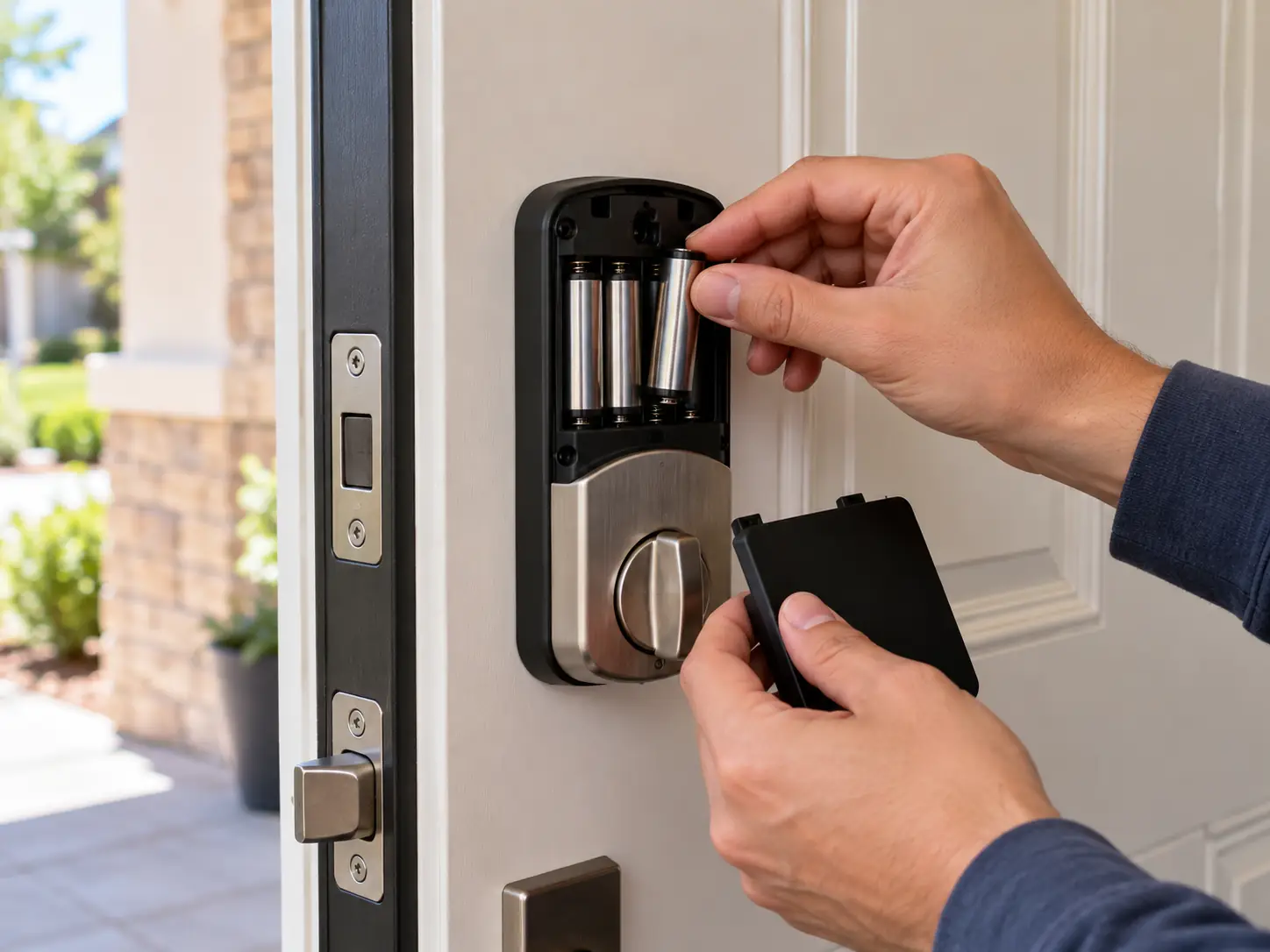
Watch for the manufacturer’s low-battery warnings, replace or recharge the power source as directed, and use the specified battery type. Do not assume every smart lock takes the same batteries.
Backup arrangements also differ. Depending on the model, you may have a physical key, external emergency-power contacts, or a designated power port.
External power usually supplies temporary operating power so you can use an authorized entry method. It does not replace the need for a valid code or credential.
Follow the product instructions. Do not connect an improvised power source or assume a visible port is intended to charge the batteries.
Make Your Backup Useful When You Need It
A spare key locked inside the house will not help when the keypad has no power.
Choose a backup arrangement you can reach and use. That might mean carrying the override key, placing an approved emergency power source where it is available, or arranging another legitimate entry route.
Everyone in the household should know:
- Which backup method the lock supports.
- Where the necessary key or equipment is kept.
- How to use it without damaging the hardware.
- Who to contact if it does not work.
If you are already locked out and your approved methods fail, avoid forcing the door or repeatedly pulling on the hardware. Lock & Key Pros provides house lockout assistance.
Test Offline Entry Before an Outage
A short, planned test gives you better information than discovering the limitations during a blackout.
With the door open, another access route available, and everyone informed, disconnect the home network equipment involved in the setup. Test the entry methods you expect to use without that connection, following the manufacturer’s guidance.
Do not remove the lock’s batteries to simulate an internet outage. That tests a different failure.
After restoring the network, confirm the lock reconnects and check any access changes you made during the interruption. Keep a simple record of what worked.
For a managed or shared system, coordinate testing with the responsible administrator rather than switching off equipment yourself.
What to Check When the Lock Still Will Not Open
First, notice what is happening.
An unresponsive keypad, a rejected code, and a motor that runs without moving the bolt suggest different problems. An offline app message alone does not identify the cause.
Check the documented basics: lock power, the approved entry method, credential validity, and required nearby equipment. Avoid factory-resetting the lock as your first response; that can erase settings and create extra setup work.
If the bolt catches or the door needs to be pushed hard before it locks, there may be a mechanical fit problem. Connectivity troubleshooting will not straighten a shifted strike. Ask about lock repair when the hardware is sticking or failing to operate smoothly.
Buying a Lock That Fits Your Outage Plan
Instead of asking only whether a product is “smart,” ask what it will do when its normal connections disappear.
A useful buying checklist includes:
- At least one suitable local entry method.
- Clear low-battery warnings.
- A documented backup for depleted lock batteries.
- Straightforward access for everyone in the household.
- Manufacturer instructions covering offline operation.
- Hardware that fits the door and locks smoothly.
Also ask whether a hub is required for the functions you want and whether that equipment needs its own power backup.
Lock & Key Pros can discuss compatible smart lock installation and your door’s condition before you buy. Share the model you are considering and the access methods you need during an outage.
Questions About Smart Locks Without Internet
Will my keypad code work when the internet is down?
A code stored locally may remain usable, depending on the lock. Confirm how your model stores codes and whether schedules continue offline. Do not assume a code created remotely during the outage has been delivered.
Can I unlock the door remotely if my home Wi-Fi stops working?
Usually not through a connection that depends on that Wi-Fi network. Cellular data on your phone does not restore the missing connection at home. A separate supported backup connection would need to be in place.
Will I receive a notification when someone enters during an outage?
A notification relying on the lost connection may be delayed or unavailable. Some systems retain activity locally, but storage and later synchronization depend on the product. Check its documentation.
Does losing Wi-Fi erase my access codes?
A connectivity interruption is different from a reset. Products can retain stored codes offline, but verify your model’s behavior. Avoid resetting the lock simply because it cannot reach the network.
What happens if the power returns while I am away?
Network-dependent functions may resume after equipment restarts and reconnects. Check status when the connection returns rather than assuming every device recovered. Review any changes that were waiting to synchronize.
Can a router battery backup keep everything working?
It may keep supported network equipment powered, but it cannot guarantee internet service or restore depleted lock batteries. Size and configure backup power for the actual equipment, following its instructions.
Will a physical key work if the lock batteries are dead?
A manufacturer-provided mechanical override can offer an alternative on models that have one. Not every smart lock includes a key cylinder. Confirm the backup method before purchasing.
Should I replace a lock that keeps going offline?
Identify whether the issue is the network, power, software, or hardware first. Replacement makes sense when the existing lock is unsuitable or cannot be made dependable, not simply because an app displays “offline.”
Prepare Now So Entry Stays Simple
A useful outage plan does not need to be complicated. Know which functions depend on the internet, keep the lock’s batteries maintained, and make sure your household can use the backup.
If your current setup leaves you unsure how to enter when the network fails, Lock & Key Pros can help you discuss a compatible smart lock upgrade. For properties in Tarzana and surrounding Los Angeles service areas, share your door photos, current model, and access concerns.
Choose a lock around the entry methods you need every day, and the ones you will need when the connection disappears.
Request a Smart Lock Installation Estimate
- #smart locks
- #power outage
- #wi-fi