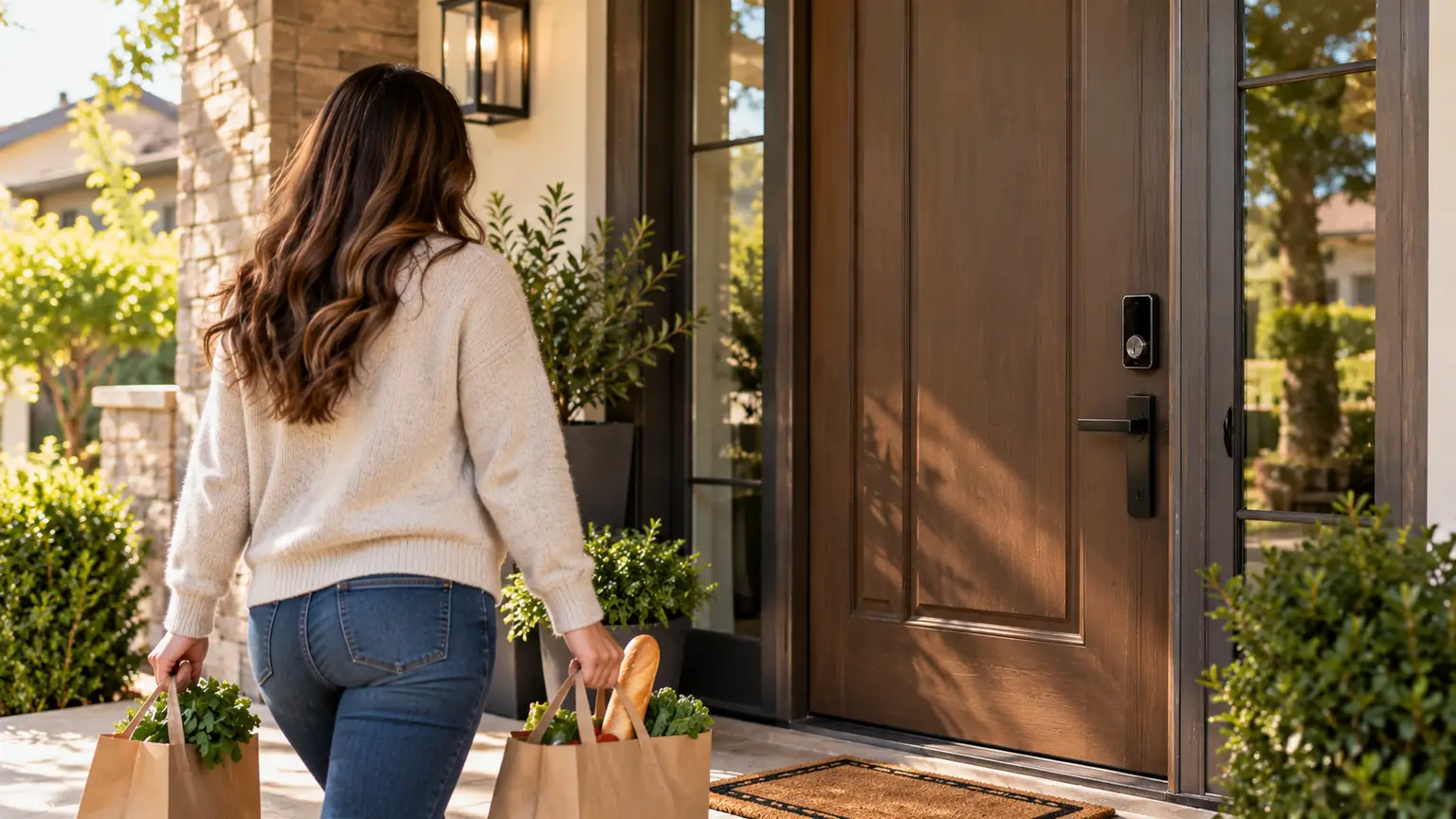
You reach your front door carrying shopping bags. Your keys are somewhere in your pocket, and putting everything down is the last thing you want to do.
That is the everyday problem UWB smart locks aim to solve. With a compatible lock and authorized device, the door can unlock as you approach, without requiring you to enter a code or hold your phone against a reader.
The convenience is appealing. But will it work with your phone? Could the door unlock when you walk past it? And what happens when another family member wants to get inside?
Before buying, here is how the technology works and how to decide whether it belongs on your front door.
What Is a UWB Smart Lock?
UWB stands for ultra-wideband, a wireless technology used for precise distance measurement and positioning.
In a compatible smart lock system, it helps establish how close an authorized device is to the door. Some implementations also use direction information to distinguish an approach from other nearby movement.
An ultra wideband smart lock combines that information with access permissions and its unlocking rules. Being nearby is not enough: the device must also be authorized.
For the homeowner, the result can be hands-free entry while a supported phone stays in a pocket or a compatible watch stays on the wrist.
How Does the Lock Know You Are Approaching?
UWB systems can measure the travel time of radio signals between devices. This is called time-of-flight ranging.
Rather than relying only on how strong a wireless signal appears, the system uses timing to estimate distance. Depending on the hardware, it can also obtain information about direction.
A typical hands-free entry sequence looks like this:
- Your supported device has a valid digital credential.
- The lock and device establish the required communication.
- The system checks authorization and proximity.
- The lock releases when its configured conditions are met.
The exact sequence varies by product. UWB is part of the system; the credential, software, and lock hardware also determine how entry works.
Hands-Free Unlocking Does Not Mean the Door Opens Itself
Most residential smart deadbolts retract the bolt. You still turn the handle and open the door.
That distinction matters if you are buying for someone who has difficulty operating the handle or moving a heavy door. An unlocking feature alone may not address their access needs.
Think through the whole entrance: the step, handle, door weight, and closing action. Choose an upgrade around what the person actually needs to do.
UWB, Bluetooth, and NFC: What Changes at the Door?
| Entry technology | Typical role | What to check |
|---|---|---|
| UWB | Precise ranging that can support hands-free entry | Supported device, approach detection, and unlocking settings |
| Bluetooth | Local communication; some systems also offer automatic entry | The product’s actual entry method and device requirements |
| NFC | Close-range tap-to-enter | Whether your phone, watch, or credential supports the reader |
Bluetooth and UWB can work together in the same lock. An NFC option may provide a separate way to enter.
When comparing hands-free smart locks, ask for the actual entry steps. “Phone compatible” could mean opening an app, tapping a reader, or approaching with the device in your pocket. Those experiences are different.
Will Your Phone or Watch Work?
Having a modern smartphone does not guarantee hands-free compatibility. Even a device with UWB hardware may not support the particular lock’s digital-key system.
Check the manufacturer’s current requirements for:
- Your exact phone or watch model.
- Operating system and wallet support.
- Required home hub or other equipment.
- Regional availability.
- Setup steps for each household member.
For example, Aqara’s U400 offers UWB approach unlocking with selected iPhone and Apple Watch models and specifies a Thread-enabled Apple home hub for that function. That is a product-specific requirement, not a rule for every UWB door lock.
Confirm features available today rather than assuming a promised expansion will cover your device later.
Could the Door Unlock While You Are Inside?
This is a reasonable question, particularly if your sofa, hallway, or workspace is close to the entrance.
Some UWB lock designs use distance and direction to help distinguish someone approaching from outside from someone nearby inside. However, the actual behavior depends on the product, installation, settings, and software.
Before relying on automatic entry, test normal movements around your door:
- Approach from outside with your authorized device.
- Walk past the entrance without trying to enter.
- Stand near the door from inside.
- Repeat the checks with each supported household device.
Ask which settings control approach unlocking and whether you can disable it when desired. Also check automatic relocking separately; unlocking and relocking are different functions.
Is UWB Entry Secure?
Secure ranging can help resist relay attacks that attempt to make a distant authorized device appear nearby. That is a useful property, but it does not make the entire lock immune to attack.
A complete security decision also includes credential protection, account access, firmware updates, and physical hardware.
Before purchasing, ask how to remove a lost device’s access and how administrator permissions are protected. Keep a clear record of who can manage the lock.
The door and frame also matter. Digital convenience cannot compensate for a damaged strike, weak mounting, or a bolt that does not engage properly.
What About Family Members and Visitors?
Choose a lock for the people who use the entrance, not just the person purchasing it.
A child may not have a compatible phone. A visiting relative may prefer a code. A cleaner may need occasional access without joining your household’s digital-key setup.
Look for suitable additional entry methods, such as a keypad, fingerprint reader, NFC credential, or physical key. Availability varies by model.
Ask how temporary access is created and withdrawn. UWB capability alone does not promise guest codes, scheduled entry, or shared digital keys.
Check Your Door Before Ordering
The right electronics still need hardware that fits your door.
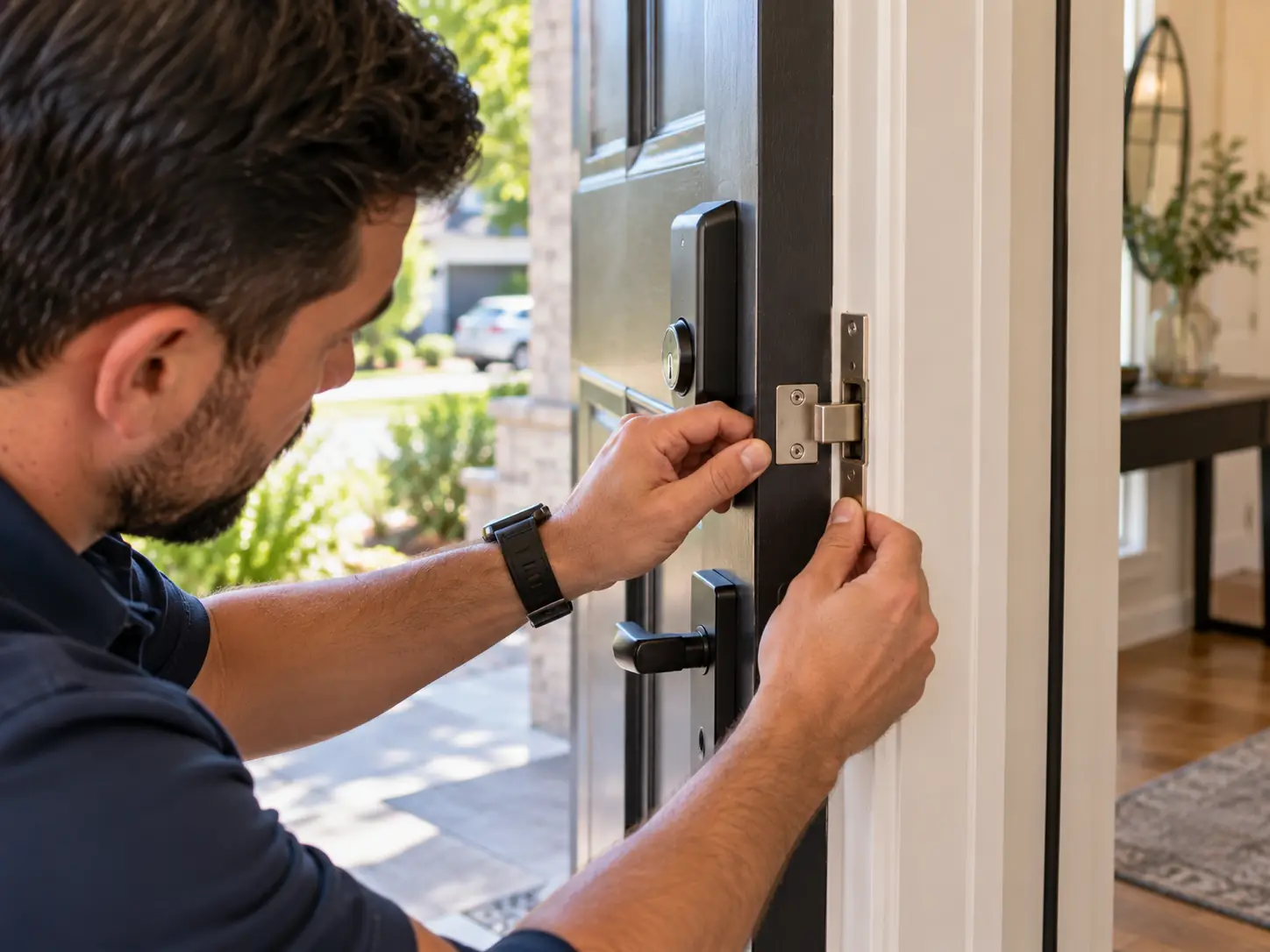
Door thickness, existing preparation, backset, trim clearance, and strike alignment can affect installation. If the current deadbolt sticks unless you pull the door toward you, include that issue in your upgrade request.
Lock & Key Pros offers smart lock installation for compatible hardware. Send the team your proposed model, property location, and photos of both sides of the door to discuss smart lock installation before purchasing.
Confirm support for the specific UWB model and the installation work required.
Discuss My Hands-Free Lock Upgrade
What Should the Installation Estimate Include?
Compare the complete upgrade cost rather than the lock’s retail price alone.
Ask whether the estimate covers hardware, removal of the existing lock, installation, necessary door adjustments, and testing. Identify any required hub or accessory and ask what setup assistance is included.
Also confirm whether features you want carry ongoing charges. You should understand what the finished system will do and what it will cost to keep using those functions.
If your current lock already fits your routine, there is no need to replace it solely because UWB is available. Upgrade when the convenience solves a real problem for your household.
Frequently Asked Questions About UWB Smart Locks
Do UWB smart locks work with every iPhone or Android phone?
No. Compatibility depends on the lock, device hardware, operating system, and supported credential system. Check the exact combination; UWB hardware in a phone does not automatically establish lock compatibility.
Can I keep my phone in my pocket?
That is the intended experience for supported hands-free setups. Test it with your usual phone placement and approach to the door before making it your primary entry method.
Does UWB require Wi-Fi to measure distance?
UWB ranging is local radio communication rather than a Wi-Fi distance measurement. However, the complete lock setup may require network equipment or connectivity for particular functions. Follow the model’s requirements.
What happens if my phone battery dies?
Use the lock’s documented alternative entry method. Any power-reserve feature depends on the exact device and access mode; do not assume hands-free UWB entry remains available after the phone shuts down.
Can I add UWB to my existing lock through an update?
Not if the required hardware is absent. Ask the manufacturer whether your exact model supports an upgrade or a compatible accessory. A software update alone cannot add a missing UWB radio.
Are UWB and Aliro the same thing?
No. UWB is a wireless ranging technology. Aliro is a digital credential and communication standard that includes a Bluetooth LE plus UWB approach for hands-free authentication. Check each capability separately.
Does a Matter lock automatically offer UWB entry?
No. Matter support concerns connected-device communication and control. Look for explicit hands-free UWB support and a compatible credential system on the chosen model.
What should I check if approach unlocking is unreliable?
Start with the manufacturer’s troubleshooting guidance. Check device eligibility, software versions, permissions, power, required equipment, and settings. If the bolt physically binds, the door or lock fit also needs attention.
Can a UWB lock automatically close my door?
A smart deadbolt normally controls the bolt, not the door’s movement. Automatic closing or powered opening requires separate suitable hardware.
Make Your Next Lock Fit Your Routine
Hands-free entry is most useful when it works with the device you already carry and gives everyone else a dependable way inside.
Start with device compatibility, backup access, and door fit. Then confirm the approach behavior you expect and the equipment needed to support it.
For an upgrade in Tarzana or the surrounding Los Angeles service areas, contact Lock & Key Pros with your door photos and preferred model. Discuss compatible installation before ordering so you can plan the complete upgrade.
Request a Smart Lock Installation Estimate
- #uwb
- #hands-free entry
- #smart locks