
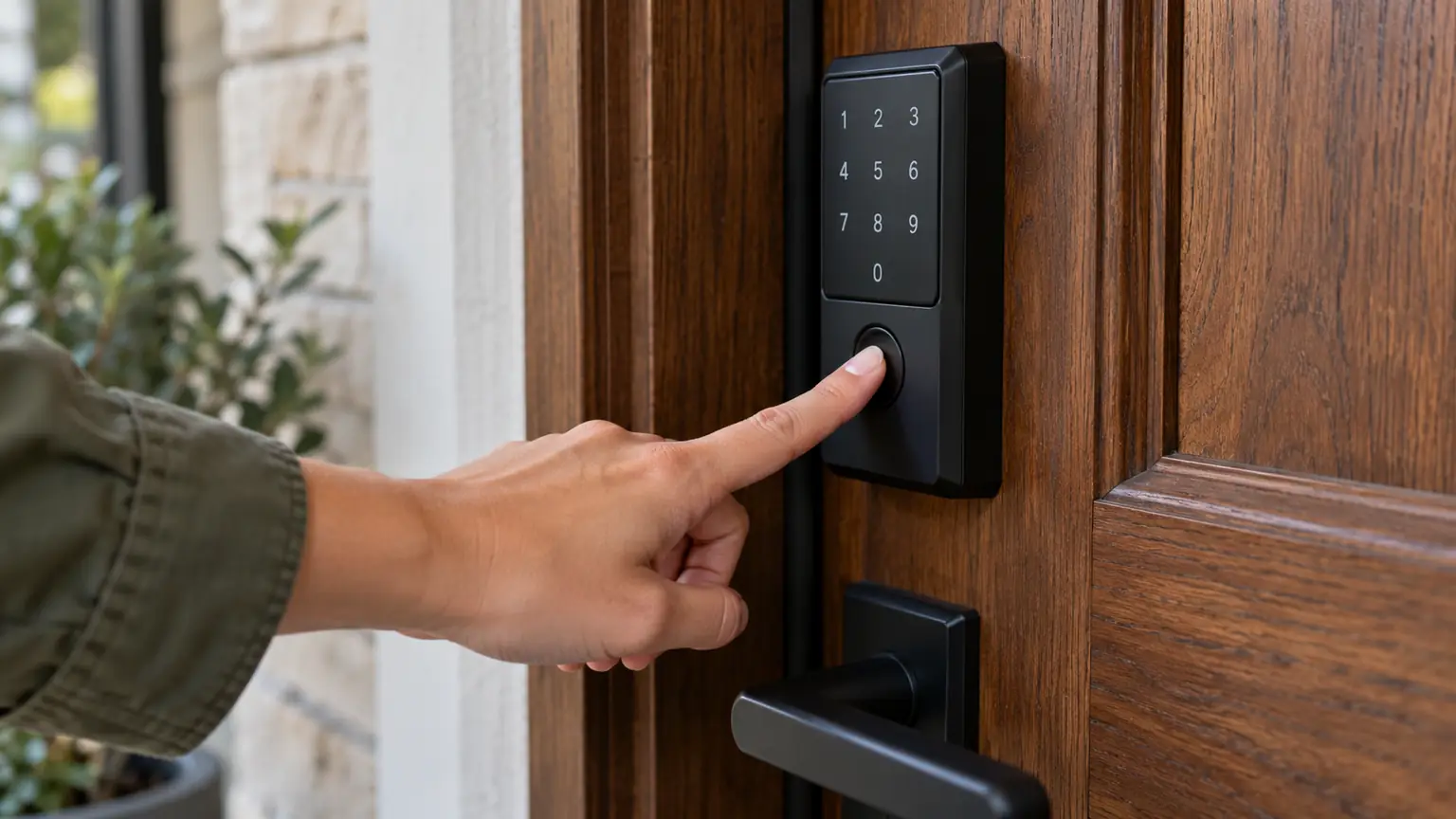
Imagine arriving home with grocery bags in both hands. Your front door has a smart lock, but how would you prefer to open it?
You could place your finger on a scanner, enter a PIN code, or unlock the door through your phone. Each method gets you inside without reaching for a traditional key, but the experience can be surprisingly different.
A fingerprint reader may feel effortless until your finger is wet. A keypad is easy to share with family members, but someone could observe your code. A smartphone offers additional controls, yet it introduces another device and account to manage.
In a fingerprint vs. keypad door lock comparison, neither option is universally better. Fingerprint access prioritizes quick personal entry, keypads offer flexible code sharing, and mobile access provides additional management features when supported.
The best choice depends on who uses your door, how often access changes, and what happens when your preferred method fails.
Three Ways to Unlock the Same Door
Before comparing convenience or security, it helps to understand what each technology actually does.
Fingerprint: Your Finger Becomes the Credential
A biometric door lock uses a sensor to capture characteristics of an enrolled fingerprint.
During setup, the lock creates a reference representation that it can compare against future scans.
When someone touches the reader, the device evaluates whether the presented fingerprint sufficiently matches an authorized enrollment.
If authentication succeeds, the lock releases its electronic mechanism.
This isn’t the same as storing an ordinary photograph of your finger, although the exact storage and processing method varies by manufacturer.
Fingerprint authentication is convenient because there’s no code to remember or phone to retrieve.
However, recognition can be affected by skin condition, sensor quality, moisture, dirt, and enrollment accuracy.
Keypad: A Code Grants Entry
A keypad lock requires an authorized numerical code.
Some products support several user codes, temporary credentials, or scheduled access.
The lock checks the entered PIN against its stored permissions before operating the deadbolt.
Unlike fingerprints, PINs can be communicated to another person without physically meeting them.
That’s useful for families, caregivers, and authorized visitors.
The disadvantage is that codes can be guessed, observed, shared, or forgotten.
Good credential management matters more than simply choosing a keypad with an attractive design.
Mobile Access: Your Phone Connects to the Lock
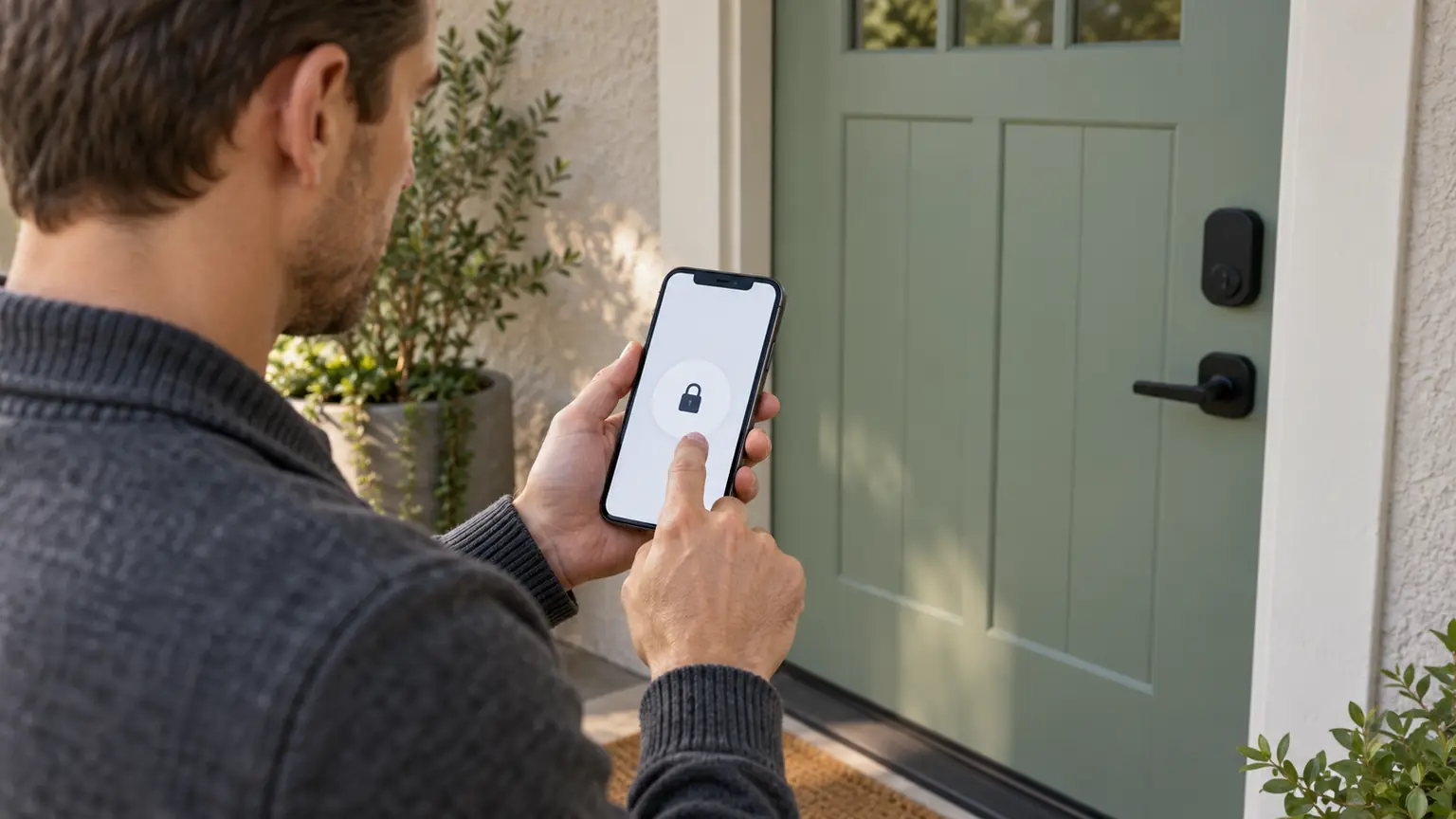
App-connected smart locks may support unlocking through Bluetooth, Wi-Fi-enabled systems, or other compatible technologies.
Some provide remote operation, access notifications, or digital credential management.
Others offer proximity-based features or supported digital wallet integration.
These capabilities are not universal.
A lock advertised as smartphone-compatible may require a particular app, hub, operating system, or internet connection for certain functions.
Mobile access is best understood as an additional way to manage entry, not a guarantee that every smart lock will work with every phone.
Fingerprint vs. Keypad vs. Mobile: The Comparison That Matters
| Decision factor | Fingerprint | PIN keypad | Mobile access |
|---|---|---|---|
| Everyday entry | Touch the reader | Enter a code | Use app or supported proximity feature |
| Something to remember | No PIN required | PIN required | Phone and account access |
| Sharing access | Usually requires enrollment | Codes can be issued when supported | Digital invitations when supported |
| Common obstacle | Failed fingerprint recognition | Forgotten or exposed code | Device, app, or connectivity problem |
| Privacy consideration | Biometric enrollment data | Code handling | Account and access-event data |
| Best fit | Frequent individual users | Families and changing visitors | Users needing connected controls |
A single smart lock can combine two or all three methods. You don’t always have to choose only one.
Which Unlocking Method Feels Easiest Every Day?
Convenience depends on the situation.
Consider a parent arriving home with a child and several shopping bags.
A reliable fingerprint reader may allow entry with one touch. That can be easier than typing a six-digit code.
Now consider a household where children regularly arrive home before their parents.
A keypad might be preferable because each child can receive a memorable, appropriately managed code without needing a smartphone.
For someone who already uses a connected home system, mobile access may be attractive because lock management can fit into an existing routine.
But convenience disappears when an entry method becomes unreliable.
A homeowner should prioritize consistent operation over impressive demonstrations.
The best smart lock is the one that works for the people actually using the door.
The Hidden Tradeoff With Fingerprint Recognition
Fingerprint access is appealing because it connects entry to a physical characteristic rather than a remembered secret.
However, biometric matching isn’t perfect.
A reader can reject an authorized fingerprint when the scan quality is poor. This is sometimes called a false rejection.
A system can also mistakenly accept an unauthorized presentation, although the likelihood depends on its design, testing, and security controls.
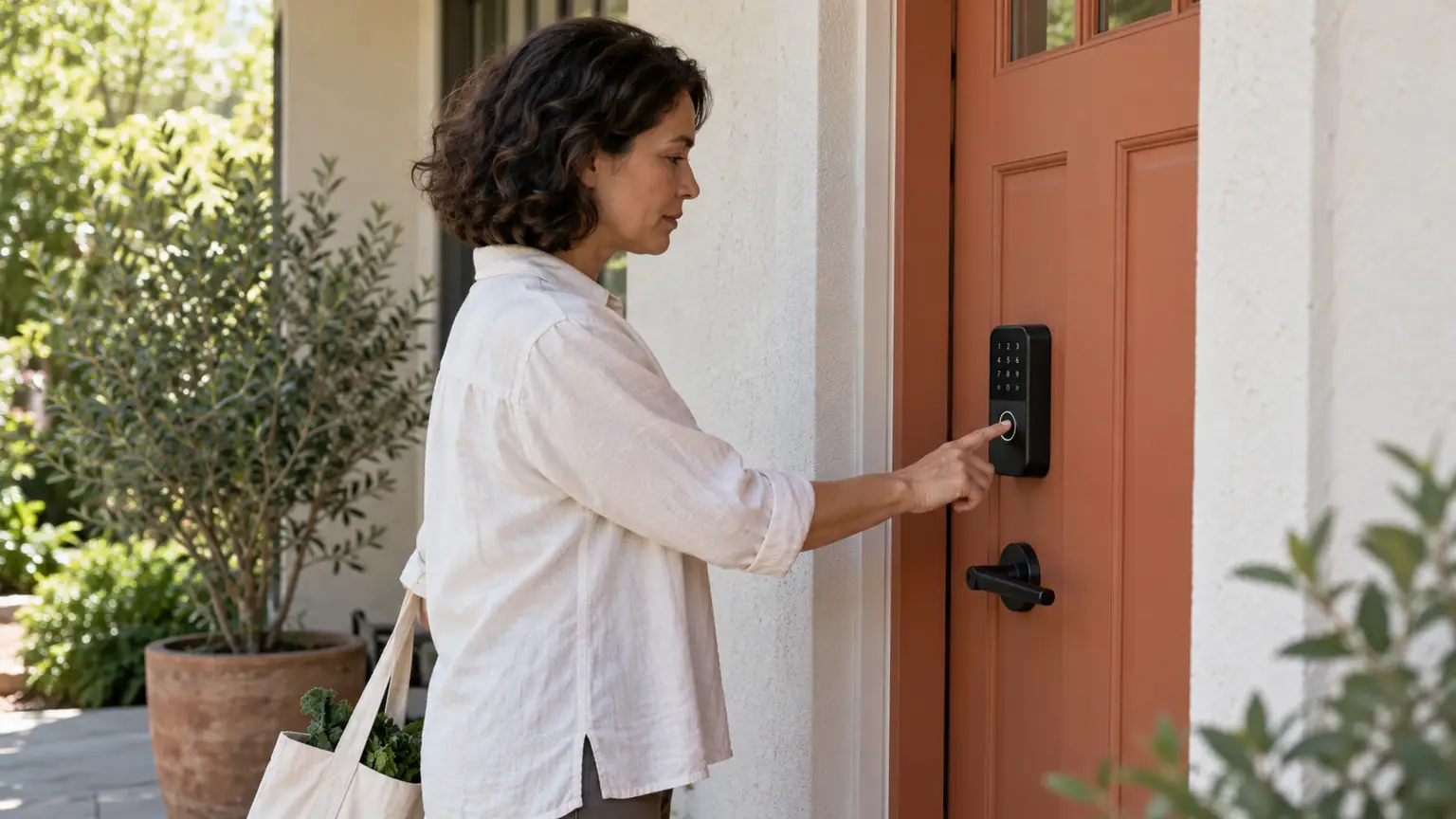
Fingerprints can be difficult to read when hands are wet, dirty, injured, or unusually dry.
Outdoor placement and sensor exposure may influence reliability.
If several household members will use the lock, test enrollment and recognition for each person before relying on fingerprint entry as the only practical method.
A fingerprint smart lock should also provide a suitable fallback.
Is a Fingerprint Door Lock More Secure Than a PIN?
Not automatically.
Fingerprint access removes the need to type a reusable secret that someone might observe.
That is a meaningful advantage in certain situations.
However, fingerprint sensors differ in quality, resistance to presentation attacks, and protection of enrolled biometric information.
PIN systems face different risks.
A weak code may be easy to guess. Someone standing nearby might observe the numbers entered. A shared household code can remain known to people who no longer need access.
Better keypad practices include using sufficiently long, unpredictable codes, assigning separate credentials where possible, and removing outdated permissions.
Security also depends on the lock’s mechanical construction, door frame, strike plate, and installation quality.
A sophisticated fingerprint reader attached to a poorly secured door doesn’t guarantee better protection.
What Happens to Your Fingerprint Data?
This question deserves attention before buying a biometric door lock.
Fingerprint information is sensitive because it relates to a person’s physical characteristics.
Unlike a PIN, you cannot simply choose a different fingerprint if biometric information is compromised.
Manufacturers use different approaches to processing and storing biometric templates.
Some products perform matching locally, while others may involve additional connected services.
Do not assume that every fingerprint lock stores data exclusively on the device.
Before enrolling household members, check the manufacturer’s privacy documentation.
Look for clear answers about where templates are stored, whether data is transmitted, how enrollment can be deleted, and what happens after a factory reset.
For homes with guests or temporary occupants, a PIN may be more appropriate than collecting biometric enrollments.
The Advantage Keypads Have When People Come and Go
A keypad becomes especially useful when access permissions change.
Imagine that a trusted pet sitter needs to enter your home during a weekend trip.
With a compatible keypad lock, you may be able to create a separate temporary code.
After the arrangement ends, that credential can be removed.
There is no need to enroll the visitor’s fingerprint or share a permanent household PIN.
The same approach may help with authorized caregivers or family visits.
However, temporary codes aren’t available on every keypad model.
Some basic electronic locks support only a limited number of manually managed codes.
Check the product’s actual credential-management capabilities before buying.
And remember that issuing a code is an authorization decision: give access only to people who genuinely need it.
Where Mobile Access Adds Real Value
Mobile access becomes more useful when you need to manage a lock rather than merely open it.
Depending on the product, an authorized user may check lock status, create credentials, or receive alerts through an app.
Some systems support remote locking or unlocking when the required connectivity is available.
This can be convenient when you want to confirm whether a door is secured while away from home.
But connected features introduce responsibilities.
The account should use a strong, unique password and multifactor authentication where supported.
Household members should understand who has administrative privileges.
Review app permissions and remove access from devices or accounts that are no longer authorized.
Mobile convenience should not come at the expense of clear account ownership.
The Test Most Buyers Forget: What Happens When Something Fails?
A smart lock should be evaluated under less-than-perfect conditions.
What if the fingerprint sensor cannot read your finger?
What if someone forgets their PIN?
What if the phone battery dies or the home internet goes offline?
Different products offer different fallback options.
Some include a mechanical key cylinder. Others provide emergency external power contacts or additional electronic access methods.
Certain keypad locks continue accepting stored codes without Wi-Fi, while connected features may become unavailable.
Don’t assume a phone-based lock requires the internet for every entry attempt, or that every biometric lock works during every outage.
Read the specific model’s documentation and test its backup procedure before depending on it.
Choose Based on the People Using Your Door
The right access method becomes clearer when you consider actual household routines.
For a single adult or couple: Fingerprint access may provide a convenient everyday experience, especially when the reader works consistently for both users.
For families with children: Individual keypad codes can offer straightforward access without requiring every child to carry a phone.
For households with frequent visitors: A keypad supporting separate temporary codes may be easier to administer than fingerprint enrollment.
For people who prefer connected controls: Mobile access can be useful when app management and remote functions are genuine priorities.
For multigenerational households: A combination of keypad, fingerprint, and appropriate backup access may accommodate different preferences.
Accessibility should be considered in every scenario.
A fingerprint reader that’s difficult to reach or a keypad with poorly visible buttons may be unsuitable for some users.
A Multi-Method Smart Lock May Be the Better Answer
Many buyers approach the decision as though fingerprint and keypad technology are competing products.
In practice, a lock that supports both may offer greater flexibility.
One household member can use fingerprint entry while another prefers a PIN.
A visitor can receive a temporary code without being enrolled biometrically.
A supported mobile app may provide management functions without becoming the only way to unlock the door.
However, additional features can also increase setup complexity, cost, and maintenance.
Don’t pay for functions that nobody in the household intends to use.
Choose a combination that solves identifiable access needs.
Look Beyond the Electronics Before Purchasing
The physical lock matters just as much as the credential reader.
Check whether the product is compatible with the door’s thickness, backset, handing, and existing preparation.
A deadbolt must extend smoothly into the strike opening without requiring excessive force.
If the door is sagging or the strike is misaligned, even a well-designed electronic lock can perform poorly.
When evaluating hardware, look for applicable independent performance certification rather than judging security by the number of digital features.
Residential deadbolt standards such as ANSI/BHMA A156.40 address durability, security, and finish performance.
A product’s specific certification should be verified rather than assumed.
What Professional Installation Can Prevent
Smart lock installation involves both mechanical fitting and electronic setup.
A locksmith should confirm the hardware fits the door, the bolt operates correctly, and the chosen access methods function as intended.
For a fingerprint model, that may include enrolling authorized users and checking recognition.
For a keypad, it includes setting appropriate codes and verifying permission changes.
For app-connected locks, setup may involve compatible connectivity and account configuration.
Backup entry should also be demonstrated before installation is considered complete.
Lock & Key Pros provides smart lock installation for supported keypad, electronic deadbolt, and app-connected systems.
Frequently Asked Questions
Are fingerprint door locks reliable?
They can be reliable, but performance depends on sensor quality, enrollment, finger condition, and maintenance. A backup entry method remains important.
Is a keypad lock safer than a fingerprint lock?
Neither is automatically safer. Security depends on the product, credential management, hardware construction, and installation.
Can a smart lock have both fingerprint and PIN access?
Yes. Some models combine biometric recognition, keypad codes, and additional supported methods.
Do fingerprint locks work without Wi-Fi?
Many perform fingerprint matching locally, but offline capabilities vary by product. Check the manufacturer’s specifications.
Which smart lock is best for families?
A model offering dependable entry, separate user credentials, accessible controls, and reliable backup access is often more useful than one chosen solely for advanced features.
The Best Door Lock Fits Your Routine, Not Just Your Technology Preferences
Fingerprint, keypad, and mobile access each offer a different kind of convenience.
Fingerprint entry works well when quick personal access matters. Keypads are practical when multiple people need manageable credentials. Mobile access can add useful controls for households that want connected features.
But the most important considerations remain reliability, secure installation, sensible access management, and a workable backup plan.
If you’re comparing a fingerprint vs. keypad door lock, start with the people who will use it and the door where it will be installed.
Lock & Key Pros can help evaluate compatible smart lock options, door hardware, and installation requirements.
Explore professional smart lock installation to discuss your preferred entry methods and choose a setup suited to your home.
- #smart locks
- #fingerprint locks
- #keypad locks