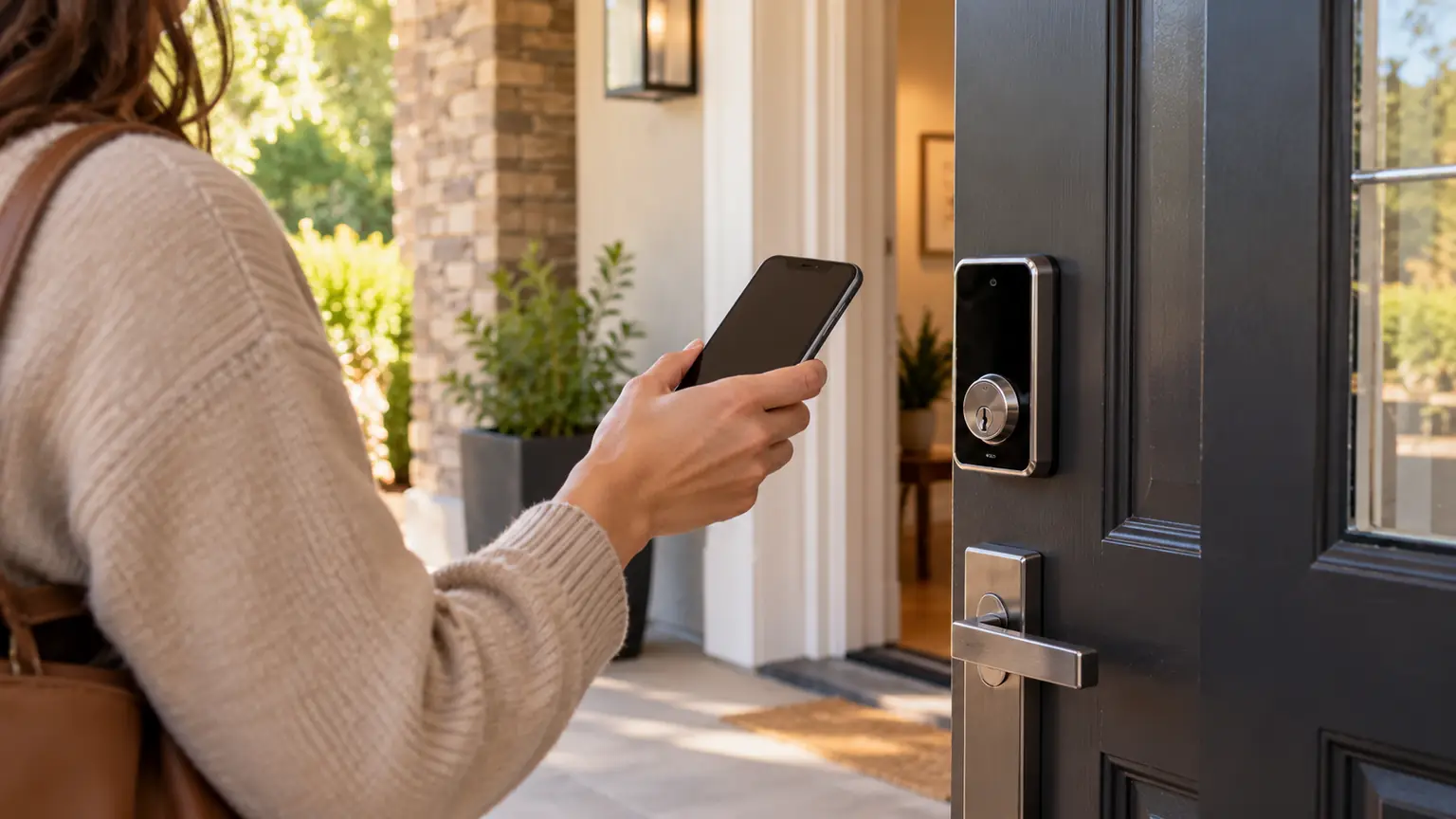
You find a smart lock that looks right for your front door. The description mentions Matter, digital keys, phone access, and perhaps Aliro. But will it actually do what you want?
Maybe you want to check your lock through your smart home app. Maybe you want to tap your phone at the door. Those are different functions, and a lock that supports one does not automatically provide the other.
When comparing Aliro vs Matter smart locks, start with your daily routine. Understanding what each standard handles can help you avoid buying the wrong hardware, or paying for features you will never use.
Matter Connects Your Lock to Your Smart Home
Matter provides a shared way for compatible connected devices and smart home platforms to communicate. For a door lock, that can mean supported lock controls and status information within your chosen platform.
The practical question is: “How do I want to control this lock alongside my other devices?”
For example, you may want to check the lock from the same app you use for other home controls. The exact functions available depend on both the lock and the platform.
Matter support does not, by itself, promise a digital wallet key or hands-free entry. Those features need their own compatibility checks.
Aliro Handles the Digital Key at the Door
Aliro focuses on credentials and communication between a compatible phone or wearable and an electronic lock or access reader.
Here, the practical question is: “How do I want to prove I have permission to enter?”
That could involve a supported phone or watch communicating with the reader at your door. Your exact device, wallet, lock, and supported entry method still matter.
Aliro and Matter serve complementary purposes and can operate independently. A product may support one or both.
Matter vs. Aliro: A Quick Comparison
| What you want to understand | Matter | Aliro |
|---|---|---|
| Main purpose | Communication and control among compatible connected devices | Digital credentials and communication at an access point |
| Relevant buying question | Will this lock work with my smart home platform? | Will my supported phone or wearable work as a door key? |
| Does it require the other standard? | No | No |
| What needs checking? | Lock features, platform support, and required network equipment | Lock or reader support, device compatibility, and entry method |
Neither name answers every buying question. You still need to confirm physical fit, backup entry, household access, and the features available on the exact model.
Which Features Would You Actually Use?
Before comparing products, picture a normal week at home.
Do you frequently wonder whether you locked the door? Do you want easier entry when your hands are full? Does someone in your household prefer a code instead of a phone?
Make a short list of priorities:
- Control or check the lock through your preferred home app.
- Enter using a supported phone or watch.
- Keep keypad or physical-key access for other household members.
- Give occasional visitors a suitable entry method.
- Maintain a clear backup plan if a device is unavailable.
Then separate essential features from extras. A lock with fewer features can still be the better purchase if it meets your needs and is straightforward for everyone to use.
Three Situations That Make the Choice Clearer
You Already Use a Smart Home Platform
If your goal is to manage the lock through your existing home system, Matter support may be relevant.
Check whether the platform supports the particular lock functions you want. Do not stop at a general “works with” claim. Look for confirmation of the actual controls, status information, and setup requirements.
You Mainly Want Phone or Watch Entry
If your priority is using a digital key at the door, examine the product’s supported credential system, including Aliro where available.
List the phone and watch models used in your household. Check each one against the manufacturer’s requirements before buying.
You Want Both Connected Control and Digital Keys
A product supporting both standards may suit these goals. However, two certification labels do not guarantee every feature on your wish list.
Confirm connected control and digital-key entry separately. Also check whether the functions are available now or depend on a future update.
Will You Need a Hub or Other Equipment?
Include supporting equipment in your buying decision.
For a Matter setup, ask what controller is needed. If the lock uses Thread, check the required Thread border router arrangement. Some devices combine these roles; verify what your existing equipment actually supports.
Remote control also deserves a separate check. Matter’s local communication does not automatically provide access from anywhere. For a Matter-only device, control away from home requires a suitable internet-connected controller at the property.
For an Aliro setup, ask how the digital credential is issued and what hardware and software are needed. Phone entry and remote management are separate capabilities.
Before ordering, request a complete equipment list. It should explain what you already own, what you need to add, and which features each item enables.
Will Every Feature Work in Every App?
Do not assume that connecting a lock to a home platform brings every manufacturer feature into that platform.
Look at the functions you will use most: managing users, viewing activity, changing settings, and receiving alerts. Check where each function is available.
Ask these questions before purchase:
- Which tasks work in my preferred home app?
- Which tasks require the manufacturer’s app?
- How are household members added or removed?
- Are any desired features tied to a subscription?
- What happens if I change phones or smart home platforms?
These answers tell you more about daily usability than a long list of logos on the box.
Door Fit Can Decide Which Lock You Buy
The standards describe electronic capabilities. Your door still determines which hardware can be installed properly.
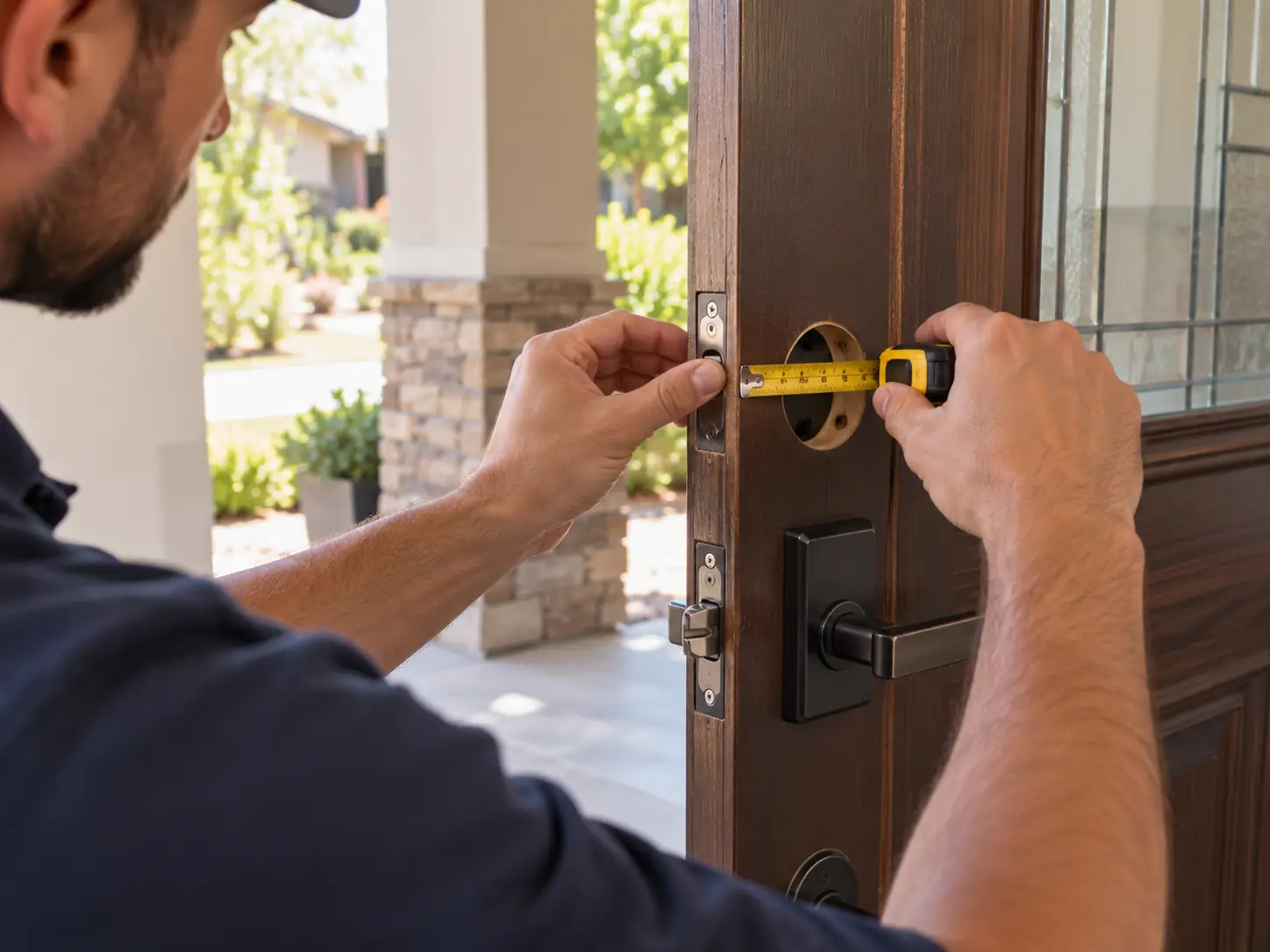
A narrow frame, unusual preparation, or limited interior clearance may rule out a model you like. A deadbolt that only turns when you push the door needs attention before you rely on motorized operation.
Lock & Key Pros offers smart lock installation for compatible hardware. Share photos of your existing lock and both sides of the door, along with the proposed model, to discuss smart lock installation requirements before purchasing.
That conversation can help you plan the hardware and installation together.
Compare the Complete Upgrade Cost
The cheapest lock on a shopping page may not produce the lowest finished cost.
Ask for an estimate that distinguishes hardware, installation, necessary door adjustments, supporting equipment, and optional services. Also check ongoing charges for features you intend to use.
If you already own suitable equipment, confirm that it can be reused. If you are starting from scratch, include everything needed to achieve your preferred setup.
Choose based on the complete working system and the experience you want each day.
Frequently Asked Questions About Aliro vs Matter Smart Locks
Does a Matter lock automatically support Aliro?
No. The standards are independent. Check the exact model’s Aliro support separately from its Matter certification.
Does Aliro replace Matter?
No. Aliro addresses digital credentials at an access point, while Matter addresses connected-device communication and control. They can serve different functions on the same product.
Can I use Apple Home, Google Home, or another platform with a Matter lock?
Check the platform’s current support for the exact lock and your desired functions. Matter provides a common foundation, but you should verify setup requirements and feature availability for your combination.
Does Matter support mean I can tap my phone to unlock?
No. Smart home control and tap-to-enter are separate capabilities. Look for explicit support for your phone, wallet, and the lock’s digital-key entry system.
Will an Aliro lock unlock automatically as I approach?
Only if the specific lock or reader and your device support that entry method. Aliro support alone does not establish hands-free functionality.
Should I replace a working smart lock because it lacks one standard?
Start with the problem you want to solve. If your current lock meets your needs, replacement may offer little practical benefit. Consider upgrading when a confirmed feature improves how your household uses the door.
Can an update add Matter or Aliro to my existing lock?
Ask the manufacturer about your exact model and hardware version. Updates depend on the device’s capabilities and manufacturer support. Do not buy on the assumption that a missing feature will arrive later.
Which standard makes a lock physically stronger?
Neither label establishes the strength of the lock, frame, or door. Evaluate physical hardware quality and installation separately from electronic compatibility.
Can Lock & Key Pros install a lock supporting both?
Send the model number, door photos, and property location to the team. Smart lock installation is available for compatible hardware; support for the specific product and requested setup should be confirmed before purchase.
Choose the Features That Make Coming Home Easier
A good smart lock purchase starts with a clear goal. Decide how you want to enter, where you want to control the lock, and how everyone else will get inside.
Then check the product against those needs. Matter compatibility, Aliro support, physical fit, and backup access each answer a different question.
If you are planning an upgrade in Tarzana or the surrounding Los Angeles service areas, contact Lock & Key Pros with your preferred model and door photos. Discuss the installation before buying so your next lock fits both your doorway and your routine.
Request a Smart Lock Installation Estimate
- #matter
- #aliro
- #smart locks